
Complete Your Spindog Registration and Access Your Account Instantly
Only registered players can get full access to SpinDog Casino offerings, including its 8,000+ games and diverse customer service. There is a 24/7 live chat, email support and a comprehensive self-help FAQ page. Also, those who complete their registration are immediately eligible to claim a 100% welcome bonus up to £900 + 150 FS if their first deposit is at least £20.
The best part about signing up with this casino is how easy it is to complete the process. You can also immediately verify your profile afterwards. The SpinDog Casino login process is even easier than the registration. You just have to provide your sign-in details to access your account on any device of your choice.

SpinDog Registration Process for Creating a Player Account
Creating an account with this platform is a breeze as long as you are 18 or older, have a reliable income source and are not a politician. You only need to provide some information about yourself so we can confirm your eligibility.
Use the steps below to kick off your registration.
- Click the Join Now button at the top right corner of the website to bring up the Sign Up field.
- Fill in your email address, birth date and mobile number in their specified sections. Next, you have to create a relatively complex password ranging between 8 and 24 characters and comprising at least one alphabet, number and symbol.
- Tick the Square Box to verify that you are at least 18 years old and accept our terms and conditions and privacy policy.
- The final step is to tap the Sign Up icon to finish your registration and activate your SpinDog login details.

Verifying Your Profile
Even after completing your SpinDog Casino sign up, you still need to verify your profile to enjoy the full benefits of being a player here. For example, only verified members can withdraw their winnings easily. The steps below outline how to verify your account.
- Sign in to your account, head to the Profile page and click on the Verification icon.
- You will see three tabs: General, Verification and Security. Click the General tab and fill out your name, date of birth, city, home address, postal code and mobile number.
- The next step is to click on the Verification tab, where you have to upload some images that confirm your identity, UK residency and ownership of a payment method.
- Identity Verification: Upload an image of your passport, driver’s licence or any officially recognised UK ID.
- Address Verification: Upload an image of your bank account statement or an address-bearing utility bill.
- Payment Verification: Upload an image showing the front of a payment card, crypto wallet or e-wallet to confirm you can process online transactions.
It typically takes less than 3 minutes to verify a profile. However, there is the possibility of it taking up to 72 hours due to special circumstances.
Spin Dog Login Steps
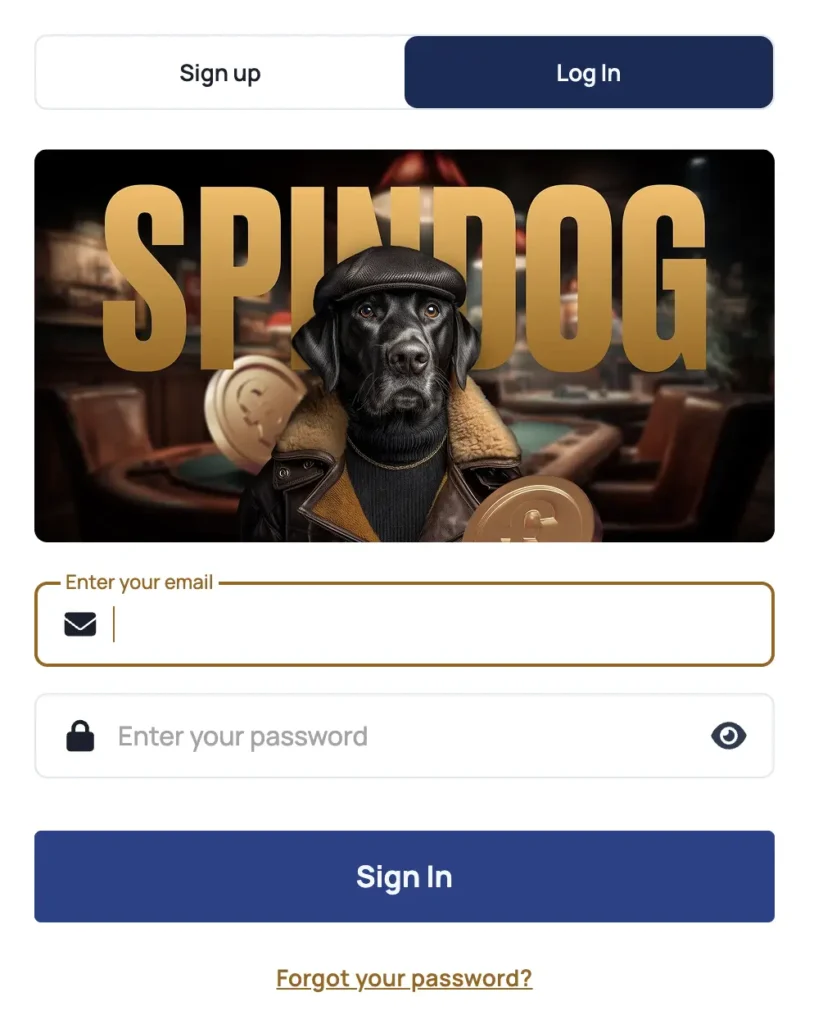
You only need your registration email and password to sign into your account from any device. Both are your unique SpinDog login details and allow direct access to your account. Here is how to sign in to your profile.
- Click Log In Icon
Click the Log In icon at the top right of the screen to pop up the Sign in page.
- Enter Email & Password
Fill out your email and password in the specified fields
- Tap Log In to Access Account
Tap the Log In menu to sign into your account.
Mobile App Login Steps
There is no real difference between the SpinDog Casino Login mobile process when compared to that of the PC. You still need to provide your registration email and unique password in the data field to access your account. However, gambling with the mobile app gives you better flexibility.
Fortunately, the software, which is a progressive web app, is quite easy to install. Android users need the Chrome browser to download it, while those who use an iPhone need the Safari web browser.
Why We Need Your Personal Data
Apparently, only players who provide their personal data can complete their SpinDog Casino sign up and verification process. We insist on these measures to keep this community safe. With your personal data, we can confirm that you are a gambling adult who resides in the United Kingdom. That way we can protect minors and prevent BOT invasions that risk our privacy standards.
The information you provide is encrypted and never shared with unauthorised third parties. Your information is safe with us.
Likely Login Issues for SpinDog New Players
While rare, it is possible to experience certain sign-in issues even after completing your SpinDog Casino registration. However, none of these concerns should make you worry as they can be handled by implementing the appropriate solutions.
The table highlights possible issues you may experience trying to access your account.
| Problem | Solution |
|---|---|
| Wrong Password/Email | The common cause of this issue is providing the wrong profile password. Even if you know your password, you must ensure that each letter maintains the same upper-case or lower-case standard used during registration to prevent errors in reading. |
| Inability to log in when outside the United Kingdom | You may not be able to access your account or our website during international travel because we do not cater to restricted jurisdictions. To rectify such a situation, you can install a safe VPN, set your IP to the UK and perform a successful SpinDog login. We recommend this as a temporary solution if you are only travelling outside the UK for a limited time and intend to return back. |
| The Log In page won’t load or Sign-in access isn’t acknowledged | If you are dealing with an inability to access your account, then it could be poor internet access. You should try another WiFi connection to confirm your internet strength. If the response is the same with a different connection, then it may be a website downtime situation. Downtimes are extremely rare but if they happen, you can be assured that we will fix them ASAP. You should be back on your game within a few minutes. |
How to Deactivate Your Account
It is possible to deactivate your account and clear your SpinDog login details from our system. Simply follow these steps to start the action.
- Log in to your account with your still active details and clear all cashable money from your account.
- Click the Help Centre icon and choose either the email or 24/7 live chat service to reach out to customer support. Either one will serve the purpose, but the live chat is generally quicker as you get to speak with an agent in real time.
- Type out your desire to close your account permanently. The agent will acknowledge your request and may suggest alternative routes, like Self Exclusion, in case you only need some time off gambling. You can insist on account closure if you only want to deactivate your profile.
- The agent will kick off the closure process and deactivate your profile. The good news is that you can still start a whole new SpinDog Casino sign up process if you change your mind in the future.
How to Recover Your Password
Forgetting your password does not mean that you have to restart a new SpinDog Casino registration and lose all your progress with your current profile. You can recover your password and access your profile again using the steps below.
- Go to the Login Page and scroll to the bottom.
- Click on the Forgot Password link to enter a password recovery window.
- Submit your casino email in the provided field and head to your inbox to find a recovery link.
- The link leads to a page where you can set up a new password combination. Fill in your new combination and confirm it in the specified fields. The combination must be 8 or more characters and comprise at least one number, letter and symbol.
- With your password set up, click the SpinDog Casino login page to enter your account.